
Hallow
-


We are thrilled to announce that we’ll be partnering with Hallow this year, the #1 prayer app! Through prayer and meditation rooted in Catholic faith, Hallow helps people grow closer to God and find peace. Pray alongside Fr. Mike, Sr. Miriam, Mark Wahlberg, Jonathan Roumie, + many more. The app also offers mental health and sleep content, audiobooks, and sacred music.
All parishioners – paid subscribers and those on the free version – are invited to be a part of our parish page in the app. There, you’re able to create a profile, share prayer requests, and take part in prayer challenges together.
Download the app. Type into your browser, hallow.com/parish. Then put in St Thomas and St John Student Center (put alllll of that in or only the St Thomas' around the country pop up), add 955 Alton if needed to find us. Click on it and it will invite you to join our parish and then have you sign in and give your .99c for 9 months of a free subscription.
Throughout the year, we’ll take part in a series of prayer challenges together - stay tuned for announcements!I'm On Hallow, Now What?
Join the Parish Community! -
-
Hallow Blog
-
 8 months agoTable of Contents: Things to Give Up for Lent When Ash Wednesday draws near, Catholics and other Christians seem to fall into two distinct groups when it comes to what to give up for Lent. The first...
 -
 8 months agoAlong with prayer and almsgiving, fasting is one of the three pillars of Lent. In a message for Lent in 2008, Pope Benedict XVI described these as “specific tasks that accompany the faithful...
 -
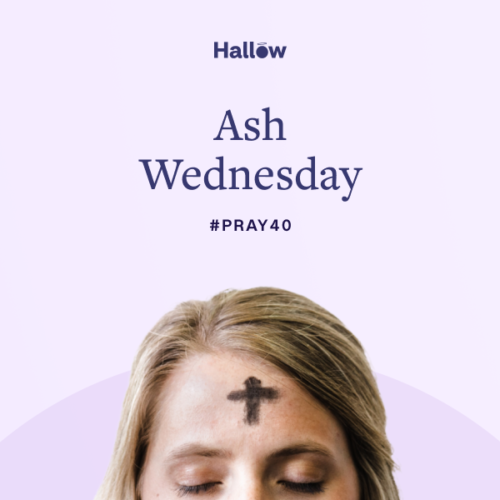 9 months agoAsh Wednesday 2026: The start of the Lenten season Lent comes providentially to reawaken us, to shake us from our lethargy. Pope Francis Table of Contents What is Ash Wednesday? In 2026, like in...
-
-
How do I join my church community in the mobile app?
Us this link to go to Hallow HallowFollow these steps to connect with your parish in Hallow if you are IN THE APP:
Step 1: Ensure that your app is current by accessing the Apple App Store or the Android Google Play Store. If an update is available, click it to make sure you have the latest version.
Step 2: Tap the Community Tab, located at the bottom of your screen.
Step 3: When you tap the Community Tab it will initially display the “Connect and Add Friends” section. To join a church, tap “Friends.”
Step 4: Choose “Join a Church.”
Step 5: Tap “Find Your Church.” You can then search for your parish by name and city.
Make sure to select the correct parish based on address. If you have trouble finding your parish, try searching by zip code.
If you still don’t find your church, reach out to [email protected] with the name and full address of your parish. We can look into whether it is missing from the Hallow database.
Step 6: Click “Join."

Having Trouble?
You will receive priority customer support by emailing [email protected].
This email is dedicated to parishioners from the partner parishes and moves you to the top of the support queue.